Disclaimer: The results provided by this calculator are for informational and educational purposes only and should not be considered professional advice.
Accuracy is not guaranteed, and you should consult a qualified professional for decisions related to finance, health, legal matters, or medical treatment.
By using this tool, you acknowledge that CalcZen.com is not responsible for any actions taken based on its results.
Master the Curve: Why Every Builder Needs an MC Circle Generator in Their Toolbox
C
CalcZen.com
Updated: Jul 10, 2026
If you’ve ever spent three hours placing and breaking blocks in a desperate attempt to make a dome that doesn't look like a lopsided potato, you aren't alone. We’ve all been there. Minecraft is a world of cubes, and trying to force those cubes into a perfect, graceful curve is one of the most common "architectural headaches" players face. That’s exactly where a reliable mc circle generator becomes your best friend.
Whether you're crafting a wizard’s tower, a massive space station, or just a decorative garden pond, circles add a level of sophistication to your builds that straight lines just can't match. Today, I’m walking you through how to stop guessing and start building with precision using the clean, fast tools we love at Calczen.com.
The Struggle of the Square: Why Circles are Hard
Minecraft's charm lies in its grid. Everything is a meter-long cube. While this makes building a house or a castle wall straightforward, it makes the "perfect circle" an elusive myth. When you try to eye-ball a circle, you often end up with sections that are too flat or corners that are too sharp. It’s frustrating, especially when you’re halfway through a massive project and realize your diameter is off by one block.
I remember building my first undersea base. I wanted a giant glass dome. I must have climbed up and down my scaffolding fifty times just to check the symmetry. By the time I finished, it looked more like a flattened diamond. If I had used an mc circle generator back then, I would have saved myself a week of work and a whole lot of glass blocks.
Pro Tip: Most builders find that an "odd-numbered" radius is much easier to work with because it provides a single center block. Even-numbered diameters result in a 2x2 center, which can complicate your floor plan if you're building a tower!
How an MC Circle Generator Actually Works
You don't need to be a math genius to use these tools. Behind the scenes, the generator uses trigonometric functions (like sine and cosine) to calculate exactly which grid coordinates should be filled to approximate a curve. But you don't see any of that. All you see is a clear, easy-to-follow blueprint.
1. Set Your Radius
The radius is simply the distance from the center of your circle to the edge. If you want a tower that is 11 blocks wide, you’d be looking at a radius of 5 (plus the center block). Most generators allow you to toggle between "radius" and "diameter," so pay close attention to which one you’re inputting!
2. Choose Your Thickness
Do you want a solid disc or just the outline? For most structural builds like towers or arenas, you'll want a "thin" or "outline" setting. This tells the generator to only show the outermost blocks. If you're clearing out a space for a circular basement, a "filled" circle might be more your speed.
3. The Grid Preview
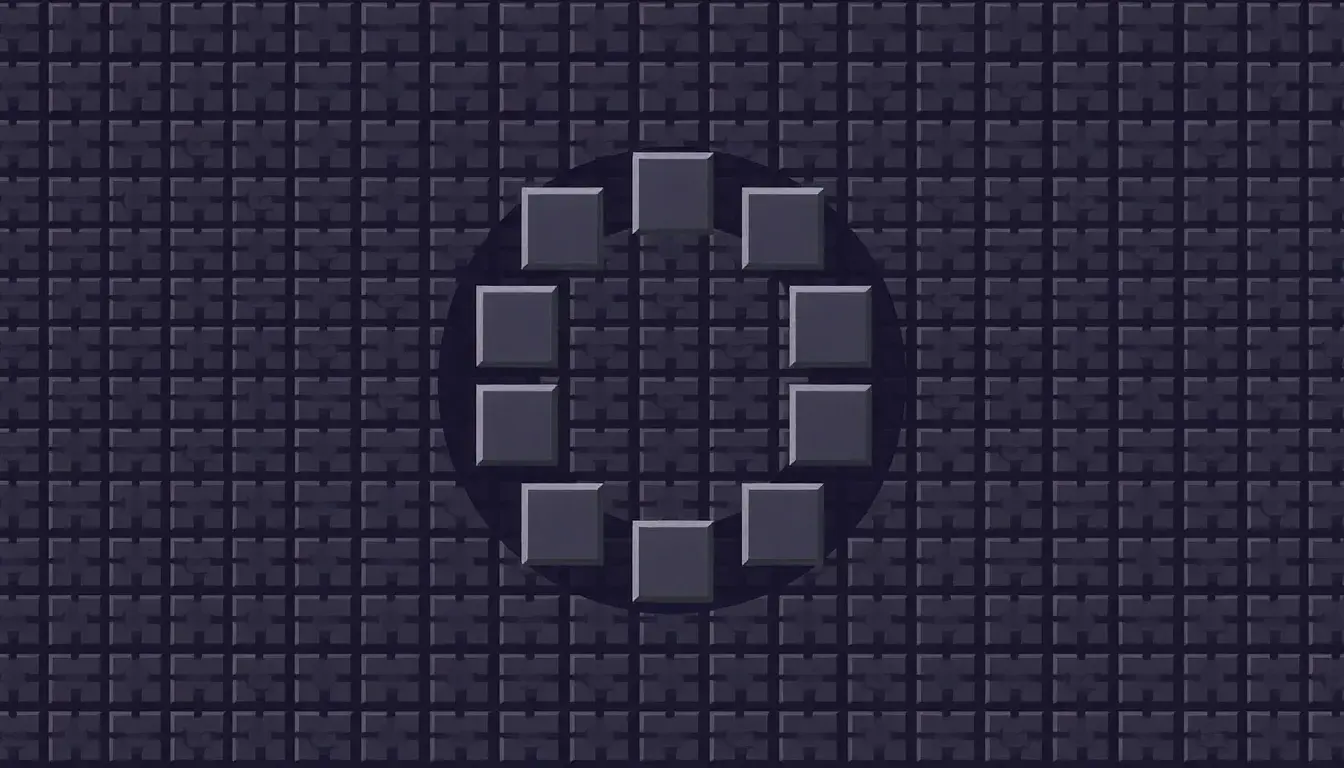
This is the secret sauce. A good tool, like the one found in our Randomizers & Creative Tools category, provides a visual canvas. You can see exactly where the "steps" occur—those points where the line shifts from two blocks wide to one block wide. This visual guide is much easier to follow than a list of numbers while you're flying around in Creative mode or balancing on a ledge in Survival.
Advanced Shapes: Moving Beyond Basic Circles
Once you've mastered the basic circle, you might find yourself wanting something a bit more... elongated. That’s where the ellipse comes in. An ellipse is just a circle with two different radii—one for the width and one for the depth.
Ellipses are fantastic for grand entrance halls, stadiums, or even custom island shapes. Using an mc circle generator that supports ellipses allows you to create more organic, flowing structures. Instead of every tower being a perfect cylinder, you can create oval-shaped skyscrapers that look like they belong in a futuristic city-scape.
Common Mistakes to Avoid
The "Flat Edge" Trap: Don't make the straight sections of your circle too long, or it starts to look like a square with rounded corners. The generator handles this for you by calculating the perfect "step" ratio.
Forgetting the Center: Always mark your center point with a unique block (like red wool) before you start. If you lose your center, your circle will almost certainly end up lopsided.
Ignoring the Scale: Small circles (radius 3-5) always look a bit blocky. If you want a truly smooth "curve," you usually need to aim for a diameter of at least 15 blocks.
Why Use Calczen for Your Creative Projects?
I’ve tested dozens of these tools over the years. Some are buried under a mountain of pop-up ads that make your browser lag. Others are so old they don't even work on mobile devices. When you're in the zone, building your masterpiece, you don't want to fight with your tools.
At Calczen.com, we prioritize a clean, ad-light experience. Our tools are designed to be fast and responsive. You can pull up the circle generator on your phone while you play Minecraft on your PC or console, using it as a secondary "blueprints" screen. It’s simple, it’s accurate, and it gets out of your way so you can focus on being creative.
Building in Minecraft is about expressing your imagination. Whether you're following a strict mathematical pattern or just "vibing" with a new build style, having a reliable reference point makes the process much more enjoyable.
Build Your Masterpiece Today
Ready to ditch the lopsided domes? Head over to our creative tools section and try the free calculators on Calczen.com. Bookmark us for your next big project—your sanity (and your castle) will thank you.
At the end of the day, Minecraft is a game meant for fun. But for those of us who take our builds seriously, the right tools make all the difference. Using an mc circle generator isn't "cheating"—it's using a blueprint, just like a real architect would. It allows you to plan bigger, more ambitious projects with the confidence that they’ll turn out exactly how you envisioned.
So next time you're planning a grand cathedral or a circular garden, don't guess. Trust the math, use a clean tool, and watch your builds reach a whole new level of professional polish. Happy building!